


Stop Scope Creep With Free Design Revisions and a Copy Ready SOW
Free design revisions usually mean a set number of included rounds, not unlimited free work. Most professional design services cap complimentary changes at several rounds, tied to a defined scope and a feedback window. If a policy promises “unlimited” changes, it often carries hidden conditions, like a time limit or a cap on how far the request can stray from the original brief. Before any work starts, get the revision policy in writing.
TL;DR:
- Most professional design services limit free revisions to a few rounds, with clear scopes and deadlines, rather than offering unlimited changes without conditions.
- A common three-round revision structure focuses on structure, content, and polish, each with distinct purposes and a defined outcome.
- Effective feedback must be specific, consolidated, and reference a single point of contact to prevent unnecessary revision rounds and scope creep.
- Fixed-round policies with clear change procedures better protect your timeline and budget than no-limit promises, especially for complex or multi-stakeholder projects.
- Yardsigns.com includes free proofs and revisions for custom signs, but feedback should be consolidated and timely to ensure quick turnaround and shipping.
Table of Contents
- What Counts as a Free Design Revision
- Scoping Revision Rounds: A Three-Round Framework
- How to Give Feedback That Actually Gets Acted On
- Keeping Revisions From Spiraling Out of Control
- How YardSigns.com Handles Proofs and Revisions
- Choosing a Revision Policy That Fits Your Project
- Get Free Proofs and Included Revisions With YardSigns.com
- Sources
- FAQ
What Counts as a Free Design Revision
A design revision is a change within the agreed concept, like adjusting a color, resizing text, or swapping an image. A new concept, a different layout direction, or a request to “just try something completely different” is not a revision. It’s new work, and treating it otherwise is where most billing disputes start.
Design services generally structure complimentary changes one of three ways:
- Fixed-round policies include one to three rounds of changes per project, with anything beyond that billed separately.
- “Unlimited” policies with conditions allow ongoing minor edits but usually restrict the timeframe (say, 30 days post-delivery) or the type of change.
- Subscription or retainer models bundle recurring design work and revisions into a flat monthly fee, common with productized design services.
Each model has trade-offs. Fixed rounds force both sides to get feedback organized fast, which speeds delivery but can feel rigid if your team is slow to align internally. Unlimited-with-conditions sounds generous, but the fine print often does the real work. Subscription models suit ongoing needs but cost more if you only need one project done well.
Scoping Revision Rounds: A Three-Round Framework
A three-round structure remains one of the more common approaches used across the design industry, and each round should serve a distinct purpose. Many agencies recommend scoping each round by function rather than letting every round become a free-for-all where clients second-guess earlier decisions.
- Round one: structure. Layout, hierarchy, and overall composition. This is where you flag if the concept feels wrong before investing time in polish.
- Round two: design and content. Colors, fonts, imagery, and copy adjustments within the approved structure.
- Round three: polish. Small fixes only, spacing, typos, minor color tweaks. No new directions.
That structure comes from a freelancer’s own account of how unlimited revisions once cost three months of unpaid work on a single project, prompting a switch to bounded rounds with explicit definitions.
Your statement of work should spell out a few specifics before the first draft goes anywhere:
- Number of rounds included, and a plain-language definition of what counts as one round.
- A feedback deadline (commonly 7 days) after each delivery.
- The hourly rate or flat fee for revisions beyond the included rounds.
- A short change-order process for anything that shifts the original scope.
Naming each round and logging who approved it creates a paper trail that protects both sides if a client later asks for something outside the agreed scope.
How to Give Feedback That Actually Gets Acted On
Vague feedback burns revision rounds fast. “Make it pop” or “not feeling it” forces the designer to guess, and guesses eat into your included changes. Effective feedback names the specific element, explains what’s wrong, and states the desired outcome, all in one consolidated document rather than five separate emails.
A structured feedback process that consolidates comments before sending them to the designer prevents the back-and-forth that quietly eats through a revision budget. The best workflows share three traits:
- One decision-maker consolidates input from all stakeholders before feedback goes out.
- Comments live in one place, not scattered across texts, emails, and hallway conversations.
- Every comment references a specific area of the design and states the change wanted, not just the problem.
Tools matter here. Figma and Adobe both support inline commenting directly on the design file, which beats a written list every time because there’s no ambiguity about what “that logo” means. PDF annotation tools work well for print pieces like signage proofs, where reviewers mark up colors, dimensions, and text directly on the layout. A simple proof-approval checklist, run before feedback goes back to the designer, catches most errors in one pass instead of three.
Pro Tip: Route every stakeholder’s comments through one person before they reach the designer. A single filtered list beats four unfiltered ones, and it usually saves an entire revision round.

Keeping Revisions From Spiraling Out of Control
Scope creep rarely announces itself. It shows up as “one more small thing” repeated across six emails until a two-round project becomes an eight-round fight over pricing. A few operational habits keep that from happening.
- Require internal sign-off before feedback reaches the designer, so revisions reflect one unified voice instead of five competing opinions.
- Set a feedback window (commonly 7 days) and enforce it. Silence past the deadline should count as approval, not an open invitation to circle back later.
- Bill extra rounds at a clear hourly rate or through a formal change order, agreed on before the project starts, not negotiated mid-argument.
- Track rounds visibly. A simple note like “Round 2 delivered, 1 of 3 included remaining” changes client behavior more than any clause buried in a contract.
Treat “unlimited revisions” as a caution flag rather than a selling point. It usually means the pricing already absorbed the risk of extra work, or the designer hasn’t yet been burned by a project that never ends. A fixed-round policy with a clear change-order path protects your timeline and your budget more reliably than an open-ended promise ever will.
How YardSigns.com Handles Proofs and Revisions
Free design proofs and revisions are often included with custom sign orders, so you see exactly what prints before it ships. That matters more with signage than with most design work, because a color shift or a misplaced stake hole can’t be fixed after the aluminum leaves the shop.
Given how fast small orders often move, consolidated feedback isn’t optional if you want to hit a deadline. A few habits make that turnaround work in your favor:
- Review your proof against a print proof approval checklist before you approve it, checking colors, dimensions, and file accuracy.
- Send all requested changes in one message rather than trickling them in over separate emails.
- Confirm quantities and stake requirements early using a custom sign order checklist so revisions don’t stall a rapid ship date.
Choosing a Revision Policy That Fits Your Project
Fixed rounds work best for small, well-defined projects, like a single yard sign, a flyer, or a logo tweak, where the brief is clear and one stakeholder approves the work. Subscription or unlimited-with-conditions models fit better for ongoing, minor edits where a single point of contact manages a steady stream of small requests.
Match the policy to three factors: how complex the project is, how many people need to sign off, and how urgent the deadline is. More stakeholders and tighter deadlines both argue for fewer, better-defined rounds, not more.
— YardSignGuy
Get Free Proofs and Included Revisions With YardSigns.com
Yardsigns builds the revision process into the order itself instead of treating it as an upsell. Every custom sign order includes a free design proof and revisions before anything goes to print, and small orders, under 50 pieces, typically ship within 24 hours once the proof is approved. That speed only works if your feedback comes back in one clear round rather than three scattered follow-ups.
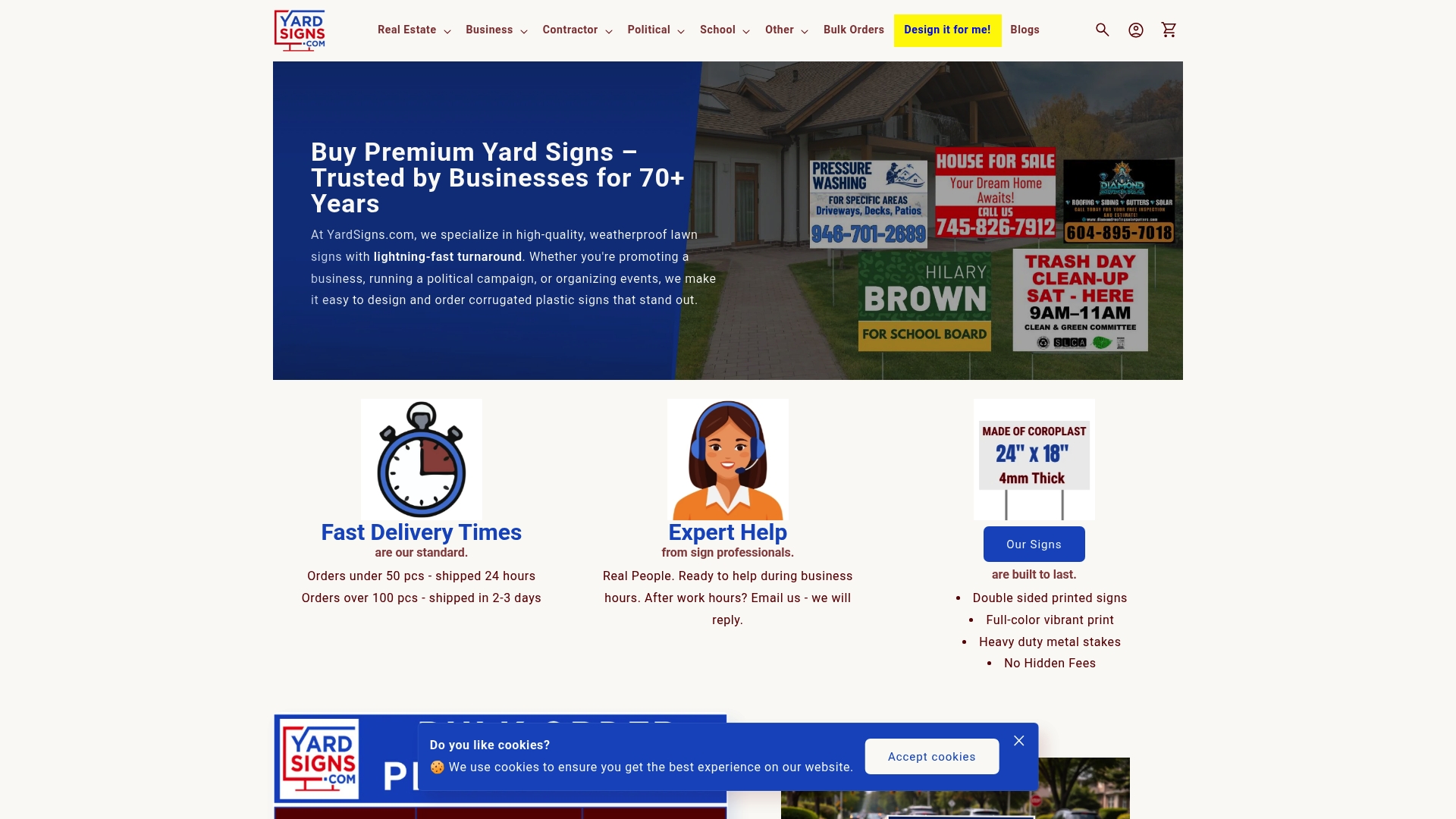
Starting is simple: upload your own artwork or use the “Design it for me!” service if you’d rather describe what you need and let a designer build it. Real estate agents, contractors, political campaigns, and small businesses all use the same workflow, review the custom yard signs options, choose a template or request a custom design, and approve your proof once it matches what you pictured. For larger campaigns, the bulk yard signs collection applies the same proof-and-revision process at volume pricing. Place your order, check the proof carefully, and send consolidated feedback so your signs ship on schedule.
Sources
- Client Feedback & Revision Process Checklist Template | CheckFlow
- Master Design Revisions: The Ultimate Agency Guide | Revue
- ‘Unlimited Revisions’ Cost Me 3 Months of Free Work on One Project. Here’s the 3-Round Policy I Switched To — Copy-Paste Ready. | Briefance
FAQ
What Is a Design Revision?
A design revision is a change made within the original approved concept, like adjusting colors, text, or layout details. It’s different from requesting an entirely new design direction, which most policies treat as a separate, billable project.
How Many Free Revisions Are Typical?
Most professional design services include multiple rounds of free revisions, each scoped to a specific purpose like structure, content, or polish. Agencies commonly recommend defining exactly what counts as a round so both sides know when the included work ends.
Does “Unlimited Revisions” Really Mean No Limit?
Rarely. “Unlimited” policies almost always carry a hidden boundary, like a time window or a restriction against changing the core concept. One freelancer’s account of losing three months to unlimited revisions on a single project is part of why many designers now favor fixed, named rounds instead.
What Design Software Is Free to Use for Reviewing Proofs?
Figma offers a free tier that supports inline commenting directly on design files, which works well for reviewing digital layouts. For printed materials like yard signs, a PDF annotation tool or a straightforward proof approval checklist covers colors, dimensions, and text accuracy just as effectively.
Where Can I Find Free Design Elements for My Own Edits?
Stock photo and icon sites with free tiers can cover basic imagery needs, but for signage, templates built for real estate, political, business, and event use typically save more time than sourcing raw elements yourself. Yardsigns provides ready-made templates across these categories on its main sign collection, so you start from a usable layout instead of a blank canvas.
Does Yardsigns Include Free Design Proofs?
Yes, Yardsigns includes free design proofs and revisions with custom sign orders before anything goes to print. Exact pricing for each sign type is listed on the Yardsigns website, since costs vary by size, quantity, and material.
