


Design Promotional Lawn Signs Fast: a Practical Guide
Designing a promotional lawn sign fast means choosing the right size, writing a clear message, and previewing your design before you print. The industry term for this process is “rapid sign production,” and it applies whether you are promoting a grand opening, a political campaign, or a neighborhood event. Standard sizes like 18x24 inches are optimized for roadside visibility, and 3D mockup tools catch design errors before they become expensive reprints. When you combine those two elements with a simple, bold message, you can go from blank canvas to print-ready file in under an hour.
What tools do you need to design promotional lawn signs fast?
The right tools cut your design time in half. You need three things: a design platform with pre-built templates, a 3D preview tool, and the correct source files for your logo and graphics.
On the design side, browser-based platforms let you drag and drop text, logos, and color blocks without installing software. Pre-made templates simplify design steps and keep your layout within standard size and visibility guidelines from the start. That matters because starting from a blank canvas adds 20–30 minutes of trial and error that a template eliminates.

For graphics, file format is critical. Uploading artwork in SVG or PNG maintains logo clarity and prevents pixelation when the file goes to print. A blurry logo on a finished sign is one of the most common complaints from first-time buyers, and it is entirely avoidable.
Pro Tip: Save your brand colors as hex codes before you open any design tool. Pasting exact values takes seconds; eyeballing colors from memory takes minutes and rarely matches your brand standards.
Here is a quick comparison of the core tools and materials you will work with:
| Element | Best choice | Why it matters |
|---|---|---|
| Design platform | Template-based browser tool | Reduces setup time to minutes |
| Preview tool | 3D outdoor mockup | Catches text and contrast errors early |
| Logo file format | SVG or high-resolution PNG | Prevents pixelation at print size |
| Sign material | Corrugated plastic | Weather-resistant and lightweight |
| Ink type | UV or CMYK full color | Vibrant, fade-resistant output |
Weather-resistant corrugated plastic is the standard material for outdoor lawn signs. It does not crease, holds color well in sunlight and rain, and is light enough to push into soft ground without tools.
How to choose the right size and layout quickly
Size is the single fastest decision you can make, and getting it wrong wastes your entire design effort. Standard lawn sign sizes break down by viewing distance: 18x24 inches for roadside displays where drivers pass at 25–45 mph, and 12x12 inches for pedestrian areas where viewers stand within a few feet.
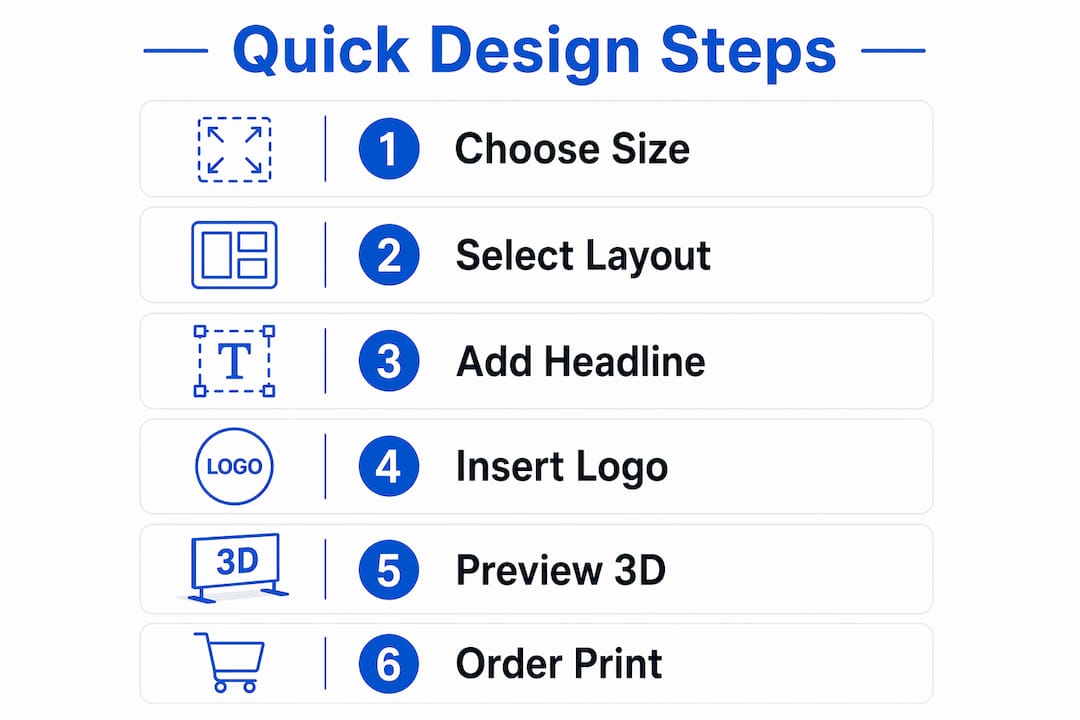
Orientation follows location logic. A horizontal layout works best along a road because it mirrors the natural left-to-right reading motion of a passing driver. A vertical layout suits narrow spaces like fence posts or doorways where width is limited.
Text hierarchy is where most quick designers lose time. Use three levels only: a headline in the largest font, a supporting line in medium font, and contact information in the smallest font. Anything beyond three levels creates visual noise that slows reading.
| Size | Best use | Viewing distance |
|---|---|---|
| 18x24 inches | Roadside, yard, open lots | 25–100 feet |
| 12x12 inches | Pedestrian, close-up viewing | 5–15 feet |
| 24x36 inches | High-traffic intersections | 50–150 feet |
Pro Tip: Choose your size before you open your design tool. Designing at the wrong dimensions means reformatting everything later. Lock in the size first, then build your layout around it.
For business promotion with lawn signs, the 18x24-inch format is the most versatile. It fits standard H-stakes, ships flat without damage, and reads clearly from a moving vehicle.
Step-by-step process to create an effective lawn sign design quickly
A clear process beats creative inspiration every time when speed is the goal. Follow these steps in order and you will have a print-ready file faster than you expect.
-
Write your message first. Before you open any design tool, write your headline in one sentence of five words or fewer. “Grand Opening This Saturday” or “Vote Smith for Council” are examples that work. If you cannot say it in five words, cut until you can.
-
Pick your color scheme. High-contrast combinations read fastest: black text on yellow, white text on dark blue, or red text on white. Full CMYK color printing with UV inks produces vibrant, fade-resistant colors at no extra cost on most modern print runs. Avoid light text on light backgrounds or dark text on dark backgrounds.
-
Open a template at your chosen size. Drop your headline into the largest text block. Add your supporting line below it. Place your logo or contact detail at the bottom. Resist the urge to add more elements.
-
Run a 3D preview. This step is the most skipped and the most valuable. 3D mockup tools are a critical step that accelerates design approval and reduces reprints. Place your sign in a simulated outdoor scene and check three things: Is the headline readable at arm’s length? Does the color contrast hold in daylight? Does the logo look sharp?
-
Export in the correct format. Most print services require a PDF at 300 DPI or higher. Some accept high-resolution PNG. Check your printer’s spec sheet before exporting. Sending the wrong format delays your order by hours.
- Keep fonts to two typefaces maximum.
- Use bold weight for your headline, regular weight for supporting text.
- Leave at least half an inch of margin on all sides to avoid text being cut during trimming.
- Avoid drop shadows and gradients on text. They reduce contrast and slow reading.
Visualizing font sizes in a 3D street environment prevents the most common mistake in quick sign design: text that looks fine on screen but disappears at 30 feet. Run the preview before you approve anything.
Common mistakes to avoid when designing signs quickly
Speed creates shortcuts, and shortcuts create problems. These are the errors that show up most often when small business owners rush a sign design.
- Too much text. A sign is not a flyer. If your design has more than 15 words, cut it. Drivers and pedestrians make split-second decisions about whether to read a sign. A cluttered layout loses that decision every time.
- Fonts that are too small. Text smaller than 1 inch in height per 10 feet of viewing distance becomes unreadable. For an 18x24-inch roadside sign, your headline should be at least 3 inches tall.
- Skipping the outdoor preview. Previewing your sign in a realistic outdoor scene using AI background tools gives you a clear sense of final appearance. Skipping this step is the leading cause of reprints.
- Wrong size for the location. A 12x12-inch sign placed at a busy intersection is invisible to drivers. Match your size to your viewing distance before you design anything.
- Low-resolution logos. A pixelated logo signals an amateur operation. Always use vector files or high-resolution PNG files above 300 DPI.
Pro Tip: Print a scaled paper version of your design before you order. Tape it to a stake and walk 30 feet away. If you cannot read it clearly, your font is too small.
Material errors also cause delays. Weather-resistant corrugated plastic maintains vibrancy and structure outdoors. Choosing a lighter, cheaper material to save money often means replacing signs after the first rainstorm.
How to order your promotional lawn sign fast after design completion
A finished design file does not automatically mean a fast order. The ordering process has its own speed traps.
- Choose single-sided or double-sided printing upfront. Double-sided signs cost more and take slightly longer to produce, but they double your visibility on two-way streets. Decide before you upload your file.
- Select the fastest shipping tier available. Yardsigns ships orders under 50 pieces within 24 hours. That turnaround makes it possible to order on a Monday and have signs in the ground by Wednesday.
- Approve your proof immediately. Most print services send a digital proof for approval. Delays in proof approval are the number one reason orders miss their deadline. Check your email and approve within the hour.
- Confirm your stake type. Yard sign H-stakes push into soft ground without tools, making setup fast. Confirm your order includes stakes if you need them, because ordering them separately adds shipping time.
- Order a small buffer quantity. Signs get damaged during transport and installation. Ordering 10% more than you need prevents a last-minute reorder scramble.
For eye-catching yard sign design that holds up through the full campaign, verify that your print service uses UV or fade-resistant inks before you place your order.
Key Takeaways
Designing promotional lawn signs fast requires the right size, a clear message, a 3D preview, and a printer with a short turnaround time.
| Point | Details |
|---|---|
| Start with size | Choose 18x24 inches for roadside or 12x12 inches for pedestrian viewing before designing. |
| Use templates | Pre-built templates cut design time and keep layouts within proven visibility standards. |
| Run a 3D preview | Outdoor mockup tools catch font size and contrast errors before printing costs money. |
| Keep text minimal | Five words or fewer in your headline ensures fast reading by drivers and pedestrians. |
| Order with urgency | Select a printer that ships small orders within 24 hours to meet tight event deadlines. |
What I have learned from years of watching sign designs succeed and fail
Speed is not the enemy of quality in lawn sign design. Complexity is. Every time I see a sign that fails, it has too many words, too many colors, or a font that looked great on a laptop screen and disappeared at street level. The designers who move fastest are not cutting corners. They are cutting decisions. They pick a template, lock in a message, run the 3D preview, and submit. The whole process takes less time than most people spend choosing a font.
The 3D preview step is where I see the biggest gap between experienced designers and first-timers. First-timers skip it because the design looks fine on screen. Experienced designers know that a screen is not a lawn. What reads clearly at 72 DPI on a monitor can vanish at 30 feet in afternoon sunlight. The preview takes two minutes. A reprint takes two days and costs real money.
My honest advice: treat your sign like a billboard, not a business card. One message. One call to action. High contrast. Large font. If someone driving at 35 mph cannot read your sign in the time it takes to pass it, your design has failed regardless of how good it looks up close.
— YardSignGuy
Yardsigns makes fast custom sign ordering straightforward
When your event is days away and you need signs in the ground fast, Yardsigns delivers. Orders under 50 pieces ship within 24 hours, which means you can finalize your design today and have professional, weatherproof signs ready for installation by the end of the week.
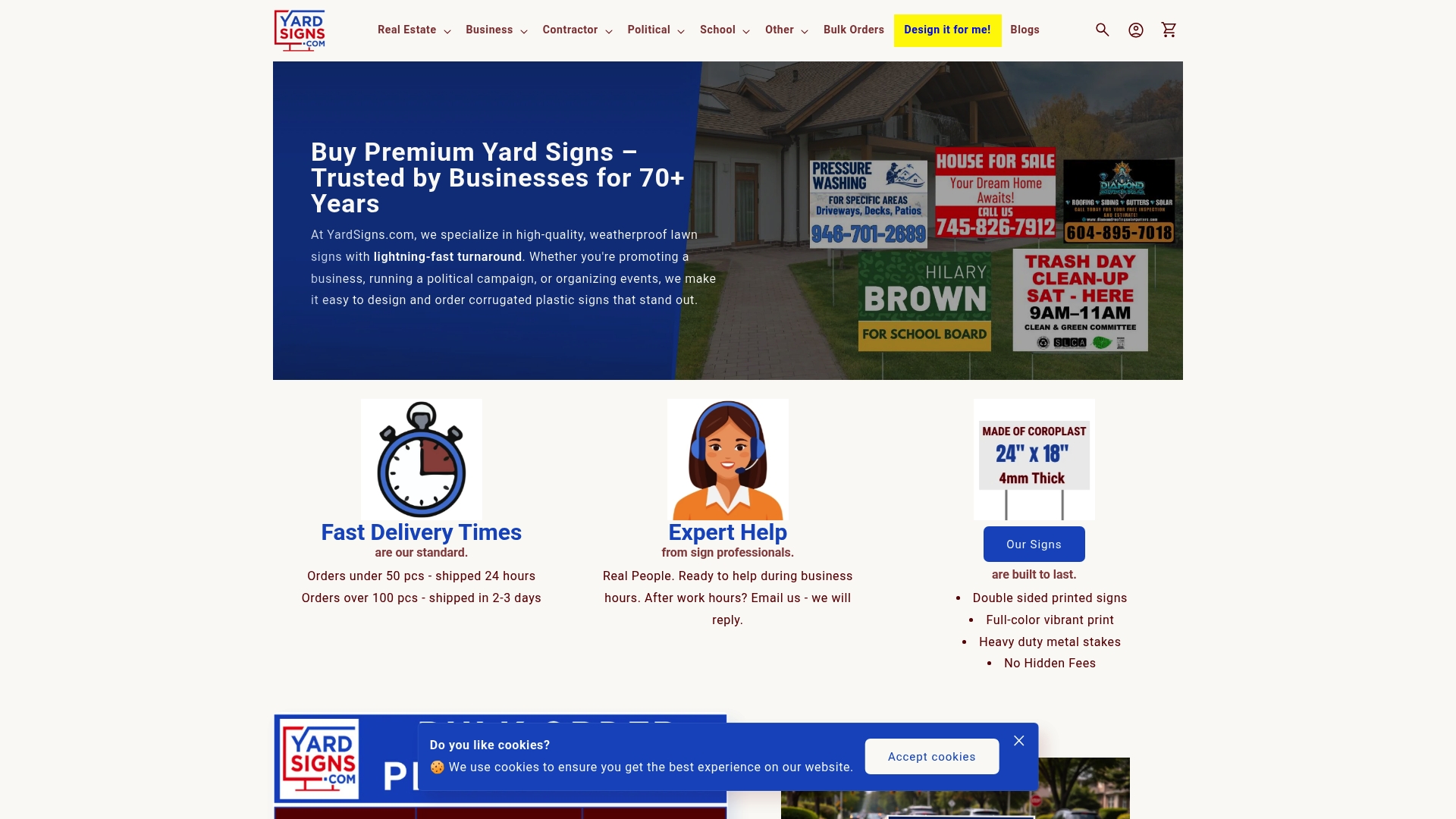
Yardsigns offers ready-to-customize templates across common sizes, including the standard 18x24-inch format, so you are not starting from scratch. The printing process uses fade-resistant inks on corrugated plastic that holds up through rain, sun, and wind. Whether you need congratulations signs for a promotion event or custom yard signs for a local marketing push, the ordering process is direct and the turnaround is real. Visit Yardsigns to place your order and get your signs moving.
FAQ
What is the standard size for a promotional lawn sign?
The standard size for roadside lawn signs is 18x24 inches. For pedestrian or close-up viewing, 12x12 inches is the recommended format.
How do I design a promotional lawn sign fast?
Start with a template at your target size, write a headline of five words or fewer, choose a high-contrast color scheme, and run a 3D outdoor preview before exporting your file for print.
Why should I use a 3D mockup tool before ordering?
A 3D mockup places your design in a simulated outdoor scene so you can check font size and color contrast at realistic viewing distances. This step prevents reprints caused by text that reads well on screen but disappears at street level.
What material works best for outdoor lawn signs?
Corrugated plastic is the standard material for outdoor lawn signs. It is weather-resistant, lightweight, and holds color without creasing or fading under sun and rain exposure.
How quickly can I receive a custom lawn sign after ordering?
Yardsigns ships orders of fewer than 50 pieces within 24 hours of order confirmation, making it possible to have signs ready within two to three business days depending on your location.
